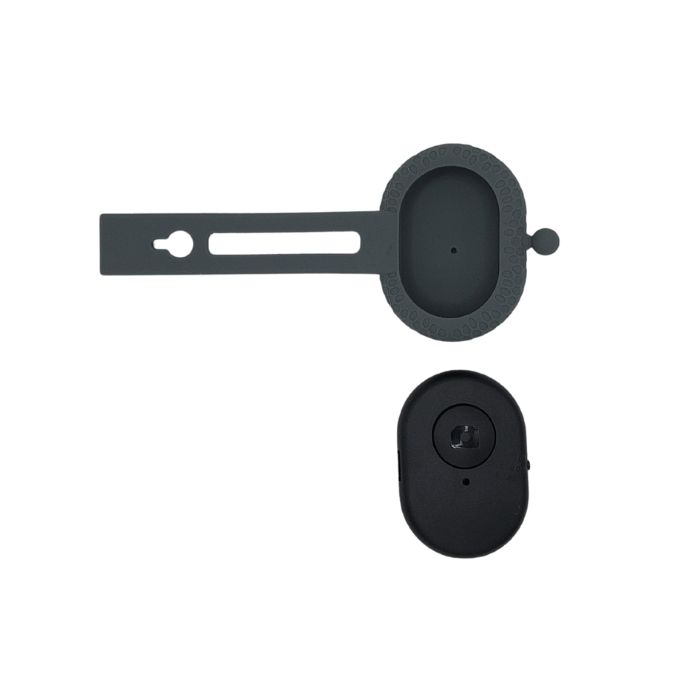
Remove the hard plastic remote from the silicone cover.
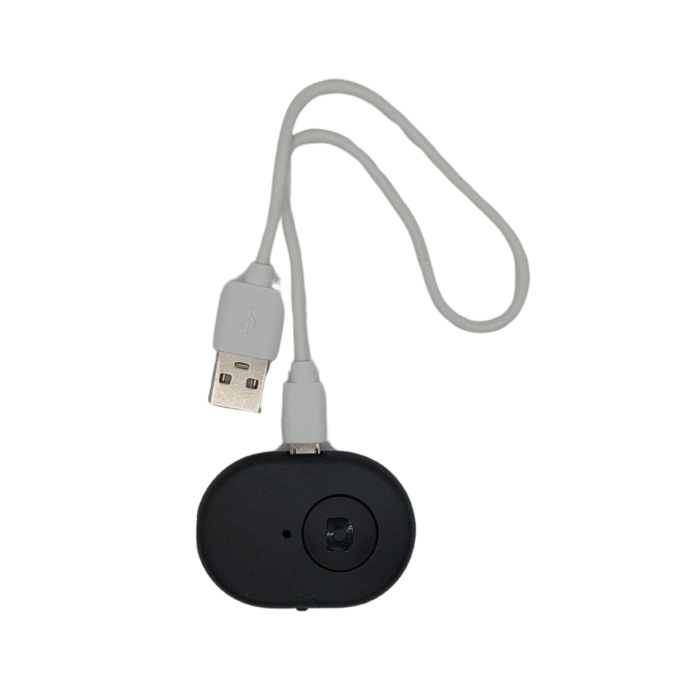
Find the Micro-B USB charging port on the hard plastic remote and using the Micro-B USB cable provided, plug this into a USB socket to charge
Get 15% off SnapSwing when it is in stock, provide your email address as we will email you the discount code.
We don’t spam! Read our privacy policy for more info.
Check your inbox or spam folder to confirm your subscription.
WhatsApp us